WordPress plugin
CFB Must Login
A free WordPress plugin that puts a whole site behind the login screen, for staging sites, intranets, and members-only communities. One switch turns it on and off.
Get it on WordPress.org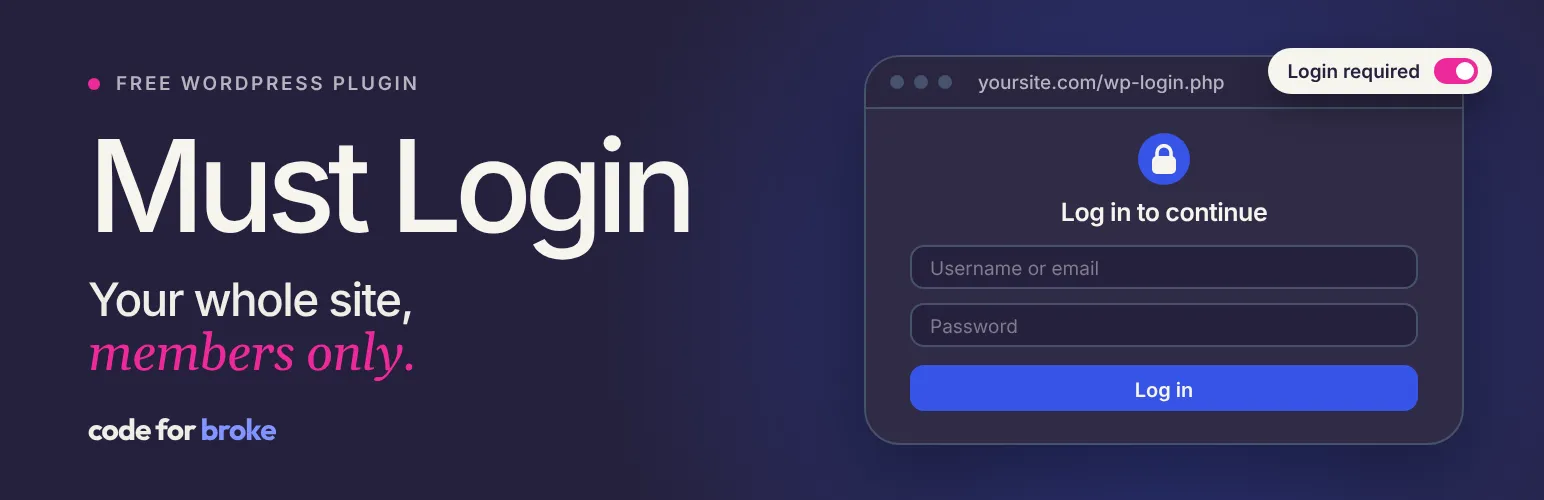
What it does
CFB Must Login puts an entire WordPress site behind the login screen. Visitors who aren’t logged in are sent to log in, then taken back to the page they were trying to reach.
It’s for sites that shouldn’t be public: a staging site waiting on sign-off, a company intranet, a members-only community, or a family blog.
The details that matter
- One switch. Turn protection on or off from the settings page, or from the lock in the admin bar. It’s off until you turn it on.
- No back doors. Content feeds and the WordPress REST API are covered too, while logins and popular form plugins keep working.
- No stale copies. Switching protection clears the page cache of ten popular caching plugins, so a cached page can’t keep showing content to logged-out visitors.
- Safe redirects. After logging in, visitors only return to pages on your own site.
- Quiet and tidy. It makes no outside requests and removes its settings when it’s uninstalled.
Developers can adjust where visitors are sent and which API routes stay open through filters, and control who can change the setting.
What it doesn’t do
It protects the whole site. There’s no per-page exception list yet.
Need something like this?
More work.
AKvertise
A new site for a social media advertising agency I've worked with since 2014. Moved off WordPress, with a 100-article blog and every old address still working.
Seven Hair Studio
A one-page site for a boutique salon in Long Beach. Working together since 2011, moved off WordPress in 2022, and kept current ever since.
Fair Play Claremont
A one-page campaign site for equal girls' softball facilities in Claremont, California. It makes the case quickly and keeps the petition in reach. Donated.
Akvile DeFazio
A personal brand site for a paid social coach and speaker, with room for her coaching, her membership community, and her conference talks.
SignalDNS
A free domain report. It checks a website, its certificate, DNS, registration, and email setup in one go, then explains what needs attention in plain English.
AI Deny
A free WordPress plugin that asks AI crawlers to stay out of your content. Choose from 30+ crawlers, one switch each, without touching a file.